
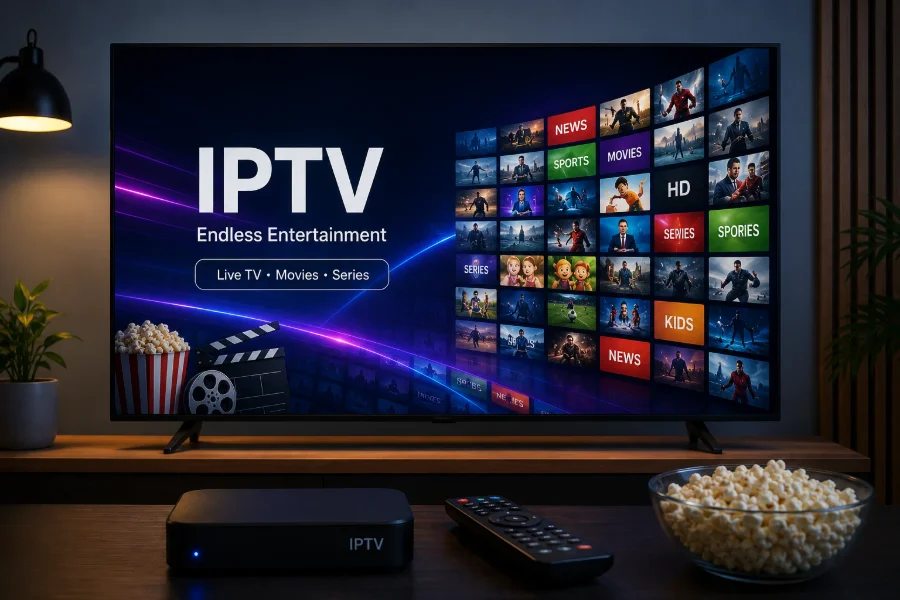
What a MAG box actually is
A MAG box is a small set-top box built for one job: loading a portal and playing what the portal offers. It is not a general-purpose device. There is no app store, and you do not install a player on it.
That focus is the appeal. There is no Android layer to slow down, nothing else competing for memory, and the remote has the buttons a television viewer expects. Several other manufacturers make boxes that work the same way, which is why "MAG-style" is a useful shorthand.
How portal activation differs from a login
This is the part that surprises people coming from an app-based device.
On a Firestick or a Smart TV you install a player and type in credentials — either an M3U URL or an Xtream Codes username and password. The player is generic; your details make it yours.
A portal box is the other way round. The box is identified by its own MAC address, a unique identifier printed on the underside of the unit and shown in its settings menu. The service is attached to that box, and the box then loads its portal automatically at startup.
The practical consequence: we need the MAC address from you, and the setup is tied to that particular unit rather than to a password you can type in anywhere.
Setting one up
1. Find the MAC address
It is printed on a label on the base of the box, and also appears under the system or device information menu. It looks like six pairs of characters separated by colons.
2. Send it to us
Message it on WhatsApp along with the box model. We use it to attach the service to your unit.
3. Enter the portal address
In the box's settings, under portals or servers, enter the portal URL we send back. Save it and restart the box.
4. Let it load
On first start the box downloads its channel list and guide data. Give it a minute before judging whether it has worked — an empty guide on the first load is normal, as explained in our guide to the EPG.
Portal emulators on other hardware
Some Android boxes and Smart TV apps offer an "STB emulator" mode, which imitates a portal device on hardware that is not one. These can work, but they introduce a layer that would not otherwise be there, and they are a common source of odd faults.
If you own an Android device, using a normal IPTV player with a login is almost always simpler and steadier. Our comparison of the best IPTV players covers the options.
When a set-top box is the right choice
A portal box makes sense when the television is for someone who wants it to behave like television — switch on, channel list, done — and when you would rather not maintain an app.
It makes less sense if you want the same subscription on a phone, a laptop and a TV, because the box is tied to itself rather than to a portable login. If that is your situation, an app-based device is the better fit; our comparison of a Firestick, an Android box and a Smart TV app goes through the trade-offs.
Frequently asked questions
What is a MAC address and where do I find it?
It is a unique identifier for your box, six pairs of characters separated by colons. It is printed on a label on the underside of the unit and also appears in the system or device information menu.
Why does a MAG box need my MAC address instead of a password?
Because a portal device is identified by the hardware rather than by credentials you type in. The service is attached to that specific box, which is why it loads its portal automatically when you switch it on.
Can I use the same subscription on a MAG box and my phone?
Ask us when you order and we will tell you what your plan allows. Portal activation is tied to the box, so using other devices as well is a separate arrangement rather than something you can set up yourself by typing in the same details.
Is a MAG box better than a Firestick?
Neither is better in general. A portal box is simpler for someone who wants the television to behave like television. A Firestick or Android device is more flexible and moves with you. Pick for the household rather than the specification.