
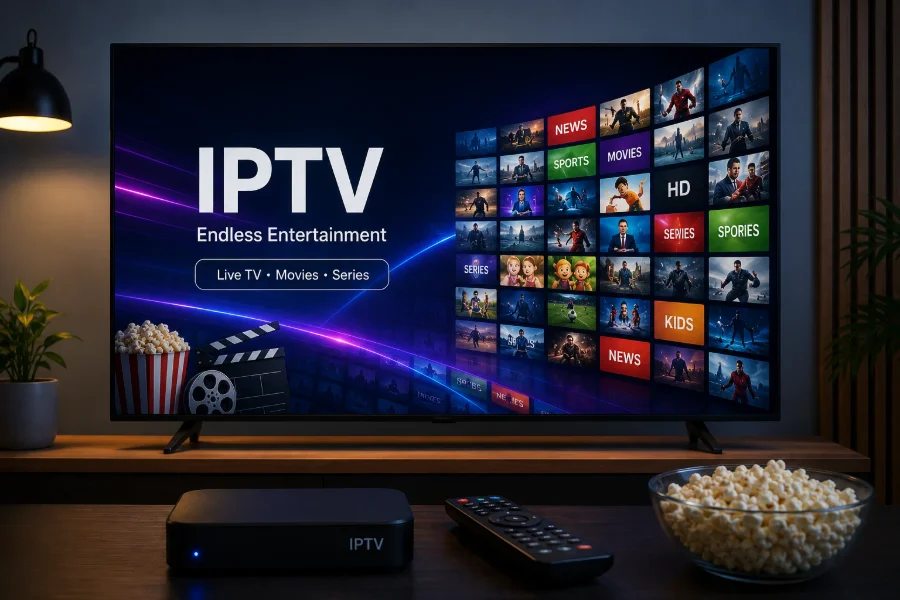
Start with what you already own
The honest answer for many households is no. If your television is a reasonably recent Samsung or LG and can install apps from its own store, it can very likely run IPTV without anything else plugged in.
Our pages on Samsung Tizen and LG webOS cover what each platform offers, and IPTV for Smart TV covers the general case. Try that before buying anything — you can always add a box later, and you will know exactly what you are fixing.
What a separate box actually buys
When a box is worth it, it is for one of four reasons, and none of them is picture quality.
A faster interface
Television processors are chosen to be cheap and to last a decade. Even a modest dedicated streaming device is usually quicker to open an app, load a channel list and move around a guide. This is the difference most people actually notice.
More player choice
Smart TV app stores are curated and limited. Android-based devices open up considerably more, including players built specifically for live television and remotes. Our comparison of IPTV players notes which run where.
Updates that keep coming
Television platforms stop receiving app updates while the set is still perfectly good as a screen. A box is cheap to replace; a television is not.
Portability
A stick moves between rooms, travels, and plugs into any HDMI socket. Your setup is on the stick rather than tied to one television.
When you probably do need one
- Your television has no app store, or it no longer receives updates. Covered in IPTV on an older or non-smart TV.
- The app you want is not available on your platform. Some well-regarded players are Android-only.
- The television is noticeably slow at everything, not only IPTV.
- You want the same setup in several rooms, where a stick per television is simpler than configuring each set.
When a box will not help
Worth being equally clear about, because people buy hardware hoping to fix problems it cannot touch.
- Buffering caused by the network. A new device on the same weak Wi-Fi behaves the same way. Start with Ethernet vs Wi-Fi.
- A soft picture. Resolution is set by the channel, not the device. See picture quality.
- One channel that does not work. That is the channel.
The exception is a device too old to decode a modern codec, which a newer device genuinely does fix — the pattern is described in H.264 vs H.265.
How much to spend
Once you have decided to buy, the amount matters less than people expect.
The entry tier is enough for most televisions. If the set is 1080p, a cheap stick shows everything the screen can display. Paying more buys 4K output the television cannot use.
Spend the extra on an Ethernet port rather than on resolution. For live television a wired connection does more for stability than a faster processor does, which is the argument in Ethernet vs Wi-Fi. A modest box with a network socket usually outperforms a premium stick without one.
Be wary of the cheapest unbranded boxes. The saving generally comes from an older chip without hardware decoding for current codecs, which produces exactly the stuttering described in H.264 vs H.265. That is a false economy in the most literal sense.
If you already bought something and it is struggling, work through the network first. Hardware is rarely the constraint until it is genuinely old.
A short decision path
- Television has an app store and feels responsive? Start there. Add nothing.
- App store exists but the set is sluggish? A modest box is a real improvement.
- No app store, or no updates? You need a device, and the cheapest tier will do.
- Want one setup across several rooms? A stick per television.
- Trying to fix buffering? Fix the network first; buy hardware only if that fails.
If you land on buying something, our comparison of a Firestick, an Android box and a Smart TV app covers the trade-offs. Our Firestick, Android TV and Apple TV pages cover setup on each.
Frequently asked questions
Can I watch IPTV without a streaming box?
Usually yes, if your television has its own app store and can install a player. Try that before buying anything — you can add a device later if the television turns out to be the limitation.
Is a streaming box better than a Smart TV app?
For speed and player choice, generally yes. For picture quality, no — resolution comes from the channel. Buy a box for a faster interface or a player your television cannot run, not for a sharper picture.
Will a new streaming device stop my buffering?
Only if the device was the bottleneck, which is less common than people expect. Buffering usually comes from the network. The exception is an old device that cannot decode a modern codec in hardware.
Do I need a box for each television?
One per television if you want the same experience in each room. Some people use a television app in one room and a stick in another, which works perfectly well.